
Code Editor
aiTerm includes a full-featured code editor built on CodeMirror 6, living alongside your terminal tabs.
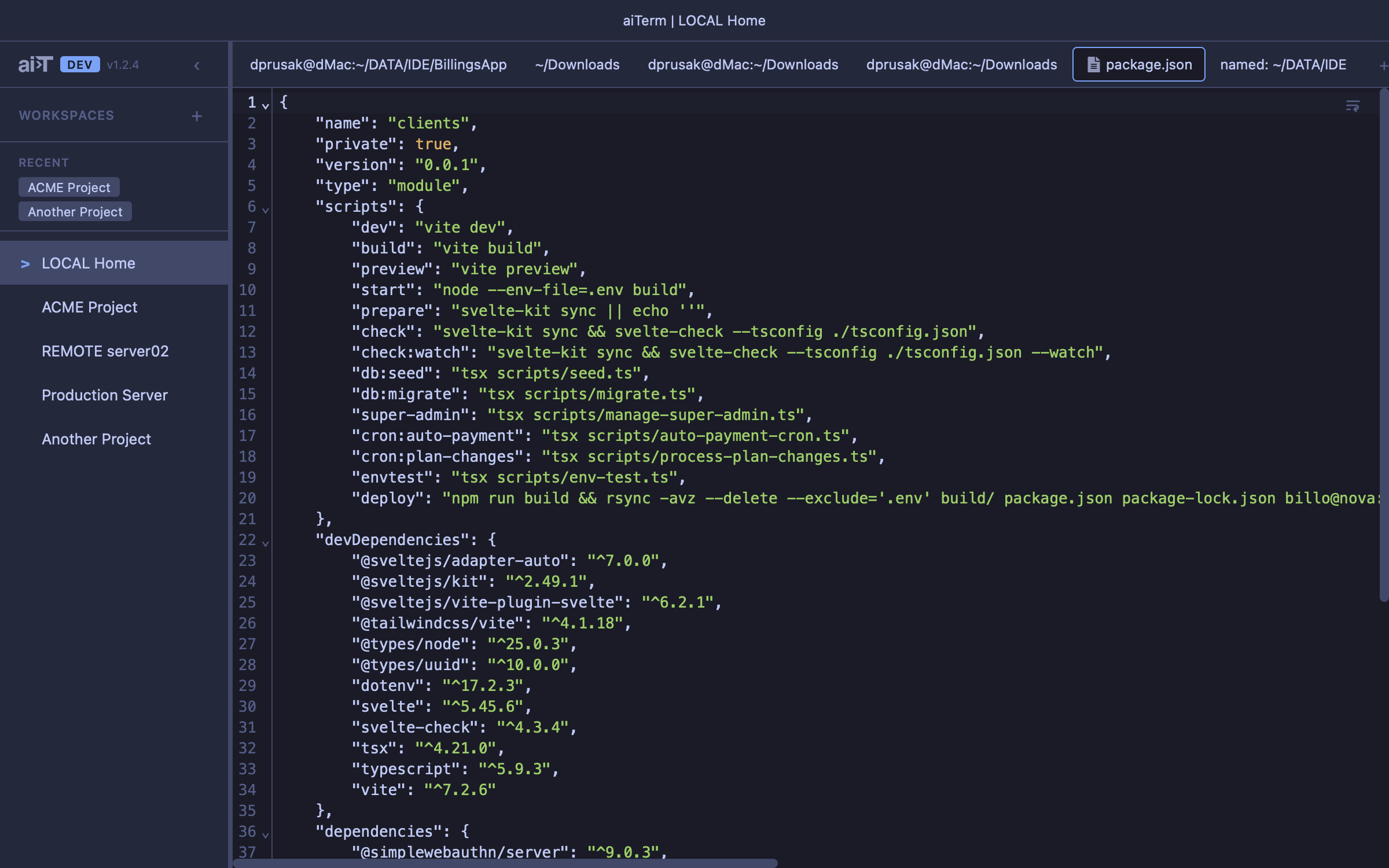
Features
- Click to open — click any file path in terminal output to open it in an editor tab
- Cmd+O — file dialog that defaults to the active terminal’s CWD
- Local + remote files — remote files read/written via SCP, transparent to the user
- 50+ languages — syntax highlighting via CodeMirror 6 first-class packages and legacy StreamLanguage modes
- Language detection — by extension, known filename (
.bashrc,Dockerfile), and shebang line - Find/replace —
Cmd+F, positioned at top of editor - Save —
Cmd+Swrites local or remote via SCP; dirty indicator in tab - Close protection — inline confirm for unsaved changes
Diff Review
Side-by-side diff tabs using CodeMirror’s MergeView. Created by Claude Code’s openDiff tool.
- Accept — writes new content to the file (local or SCP)
- Reject — responds to Claude with rejection, closes tab
- Blocking — Claude Code waits for your accept/reject before continuing
Image Preview
Image files (PNG, JPG, GIF, WebP, SVG, AVIF, BMP, ICO) open in a preview tab with zoom controls:
- Fit-to-window (default)
- Preset zoom steps (10%–500%)
- +/- buttons for fine control
Remote Files
Files on remote servers are accessed transparently via SCP. The SSH command is extracted from the active terminal’s foreground process. Files over 2MB or binary files are rejected with a user-friendly error.